
Made for your everyday
Prayer Time Widgets for iPhone
Keep your next salah visible without opening an app. FiveTimes widgets bring prayer times to your iPhone Home Screen and Lock Screen, in layouts that fit around the rest of your day.
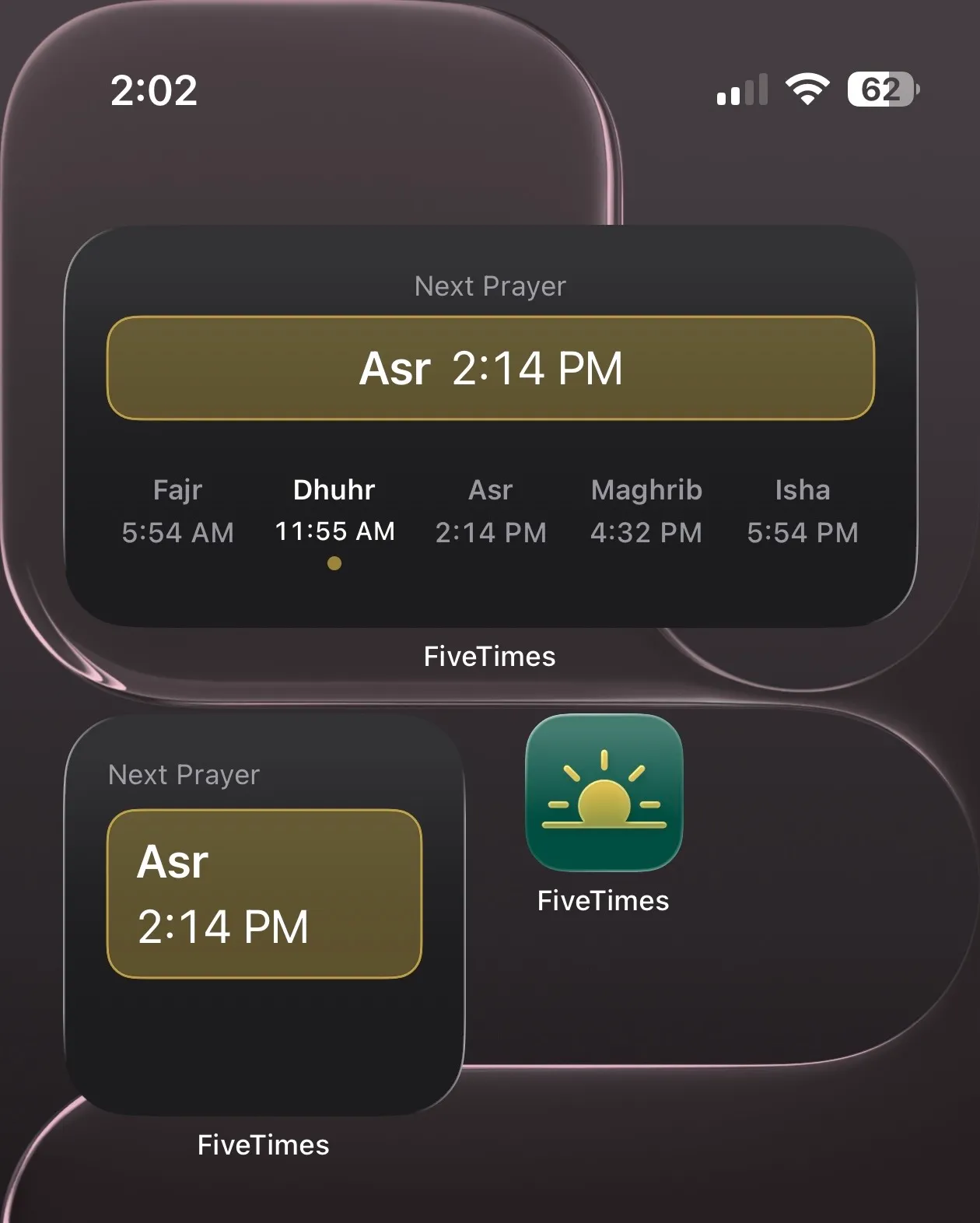
Choose the view that works for you
The Home Screen layouts show the next prayer and its time, with a wider layout also displaying the day’s five prayer times. Compact Lock Screen widgets keep prayer names and times alongside your clock.
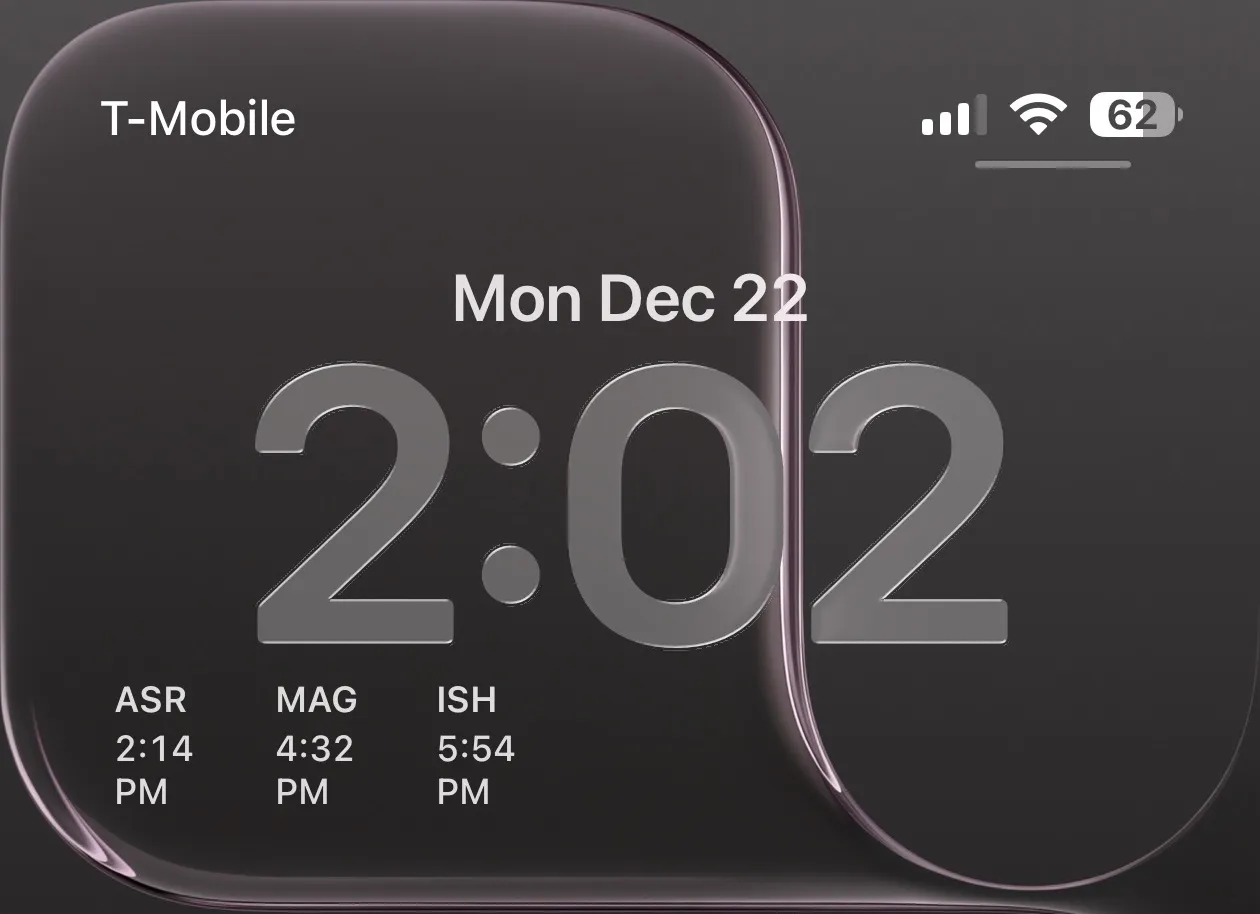
Start with your local schedule
Install and open FiveTimes on your iPhone first. Allow location access and choose your calculation method and Asr setting in Settings. Widgets use the location and prayer preferences shared by the app to calculate schedules locally.
Add a Home Screen widget
- Press and hold an empty area of your Home Screen.
- Choose Edit, then Add Widget.
- Find FiveTimes and choose a layout.
- Tap Add Widget, position it, and finish with Done.
Add a Lock Screen widget
- Press and hold the Lock Screen and choose Customize. Select the Lock Screen if prompted.
- Open Add Widgets below the clock.
- Select FiveTimes and place a widget in an available space.
- Close the widget selection and tap Done.
If the area is full, remove a widget to make room. Button names can vary with your iOS version and language; see Apple’s widget setup guide for more help.
Common questions
Why isn’t FiveTimes in the widget picker?
Check that FiveTimes is installed and has been opened on your iPhone. Close the picker and try again, and check the App Store for an app update. If it is still missing, contact support with your iOS and app versions.
What should I check if a widget shows an unexpected time?
Open FiveTimes and check its schedule, location permission, and calculation settings. iOS manages widget refreshes, so a changed setting may not appear on the widget immediately.
Do widgets send my location to FiveTimes servers?
No. Widget schedules are calculated on your device using the settings shared by the app. Read the privacy policy for details.